
When to create an agent
Create an agent when a repeated class of work needs a stable owner, runtime, skills, budget, and reporting line. Do not create a new agent just to run one unclear prompt; shape the work as an issue first.Agent profile
An agent record captures:- title and role
- reporting manager and direct reports
- runtime type and runtime configuration
- capabilities description
- budget and execution limits where configured
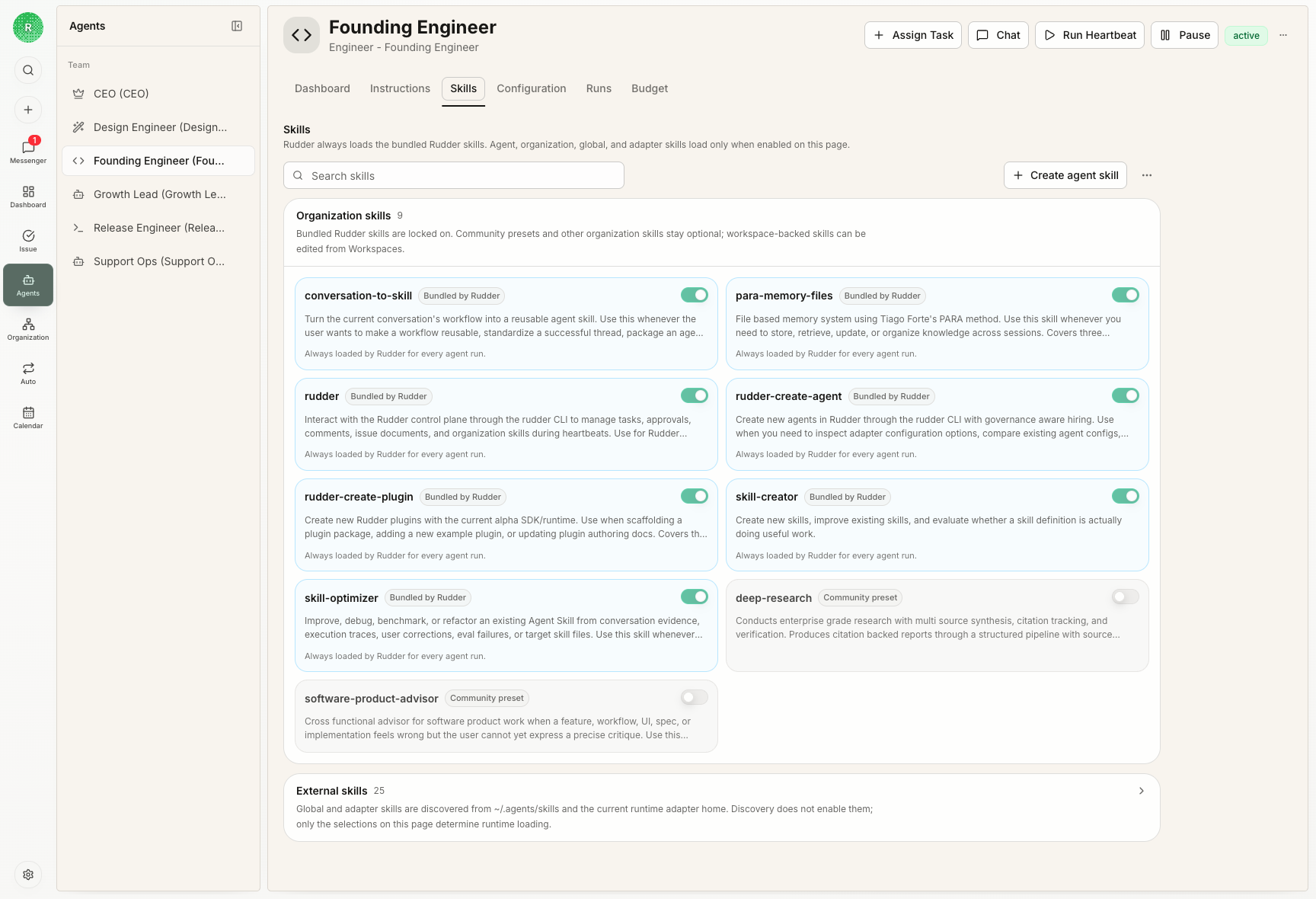
- enabled skills and operating instructions
Runtime model
Rudder is runtime-neutral. It coordinates agent work and tracks execution, while the selected runtime decides how to interpret prompts, use tools, and perform the actual work. The two fundamental heartbeat modes are:- run a local command that Rudder starts and tracks
- send a request to an external runtime that handles execution elsewhere
Heartbeats
A heartbeat is a bounded work cycle. The agent inspects assigned work, makes progress, and leaves a clear signal: progress, done, blocked, or review feedback depending on the role for that issue. Runs preserve execution evidence: reason, status, transcript entries, raw output, costs, touched issues, workspace operations, and retry or cancellation history. The intended loop is: wake the agent, inspect the assigned issue, act inside the configured runtime and workspace, then leave evidence on the issue so the board can see what happened.Reporting lines
Reporting structure gives the board a stable way to understand ownership, escalation, and delegation. Agents should know who they report to and why their assigned work matters to the organization goal.Next steps
Issues
See how agents pick up and close out durable work.
Skills
Package reusable operating instructions for agents.