
Which workspace should I use?
| Use case | Location |
|---|---|
| Source code or project repo work | Project workspace |
| Durable reports, screenshots, exports, and handoff files | Organization artifacts |
| Plans generated for organization work | Organization plans |
| Agent-private instructions, memory, and local state | Agent home |
| Temporary scratch validation | /tmp or system temp |
Workspace boundaries
Use managed workspace paths instead of ad-hoc folders:- project repositories stay in their attached project resource locations
- organization artifacts belong under the organization artifacts directory
- organization plans belong under the organization plans directory
- agent-private memory, instructions, and skills stay under that agent’s home directory
Durable outputs
Screenshots, reports, generated documents, CSVs, preview notes, and other user-visible work products should be written to the organization artifacts directory when available. Use/tmp only for transient scratch files and verification artifacts.
Project resources
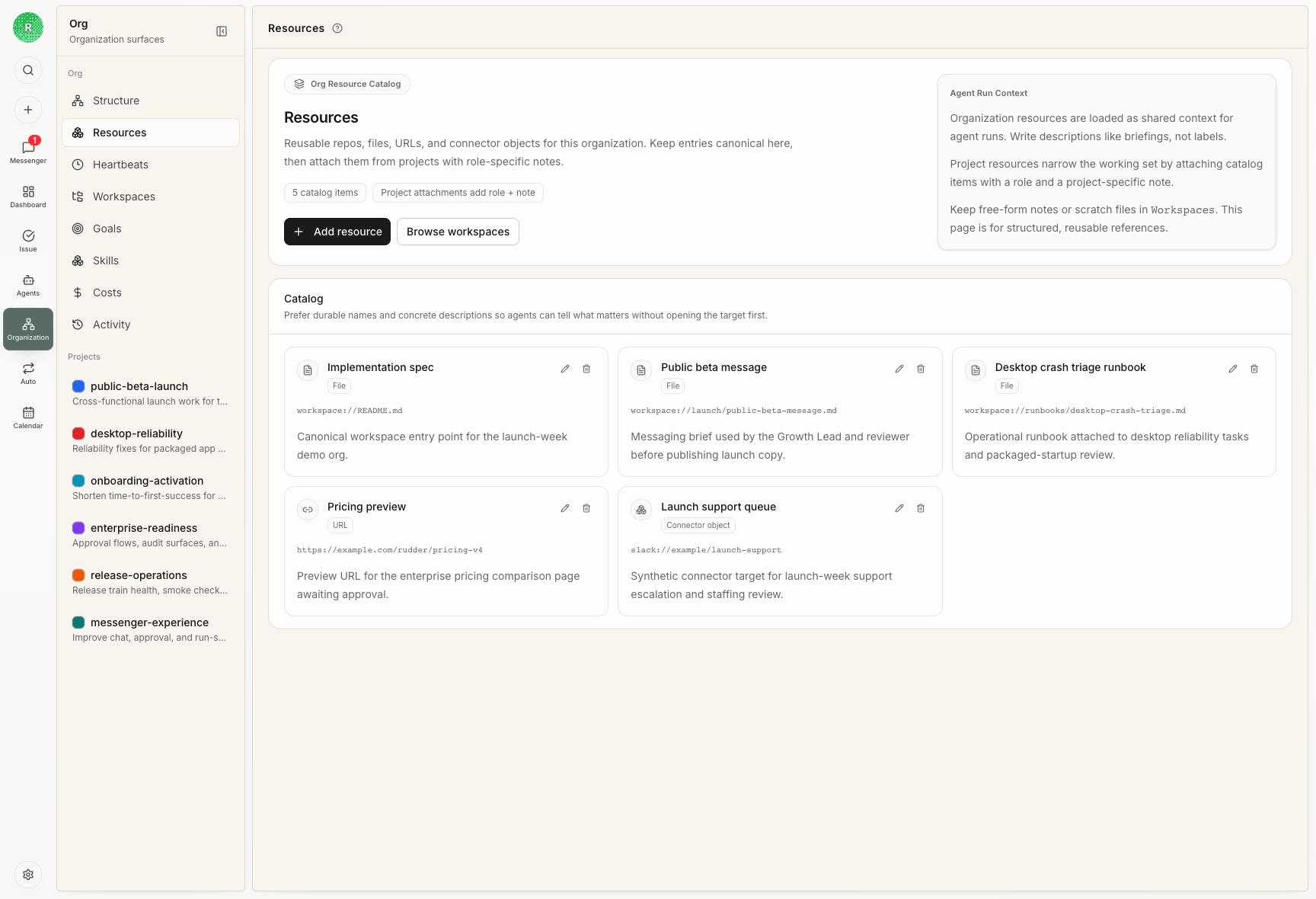
When a run is linked to a project, Rudder injects the relevant project resources into the runtime context. Agents should inspect those resources directly instead of assuming global repository layout.Local development
The Rudder repository itself usespnpm dev for local development. Codex-managed worktrees are auto-isolated by the dev runner; manually created worktrees should initialize an isolated worktree instance before running a second local server.
Next steps
Skills
Package repeatable operating knowledge for agents.
Issues
Keep execution, evidence, and review attached to the work.