
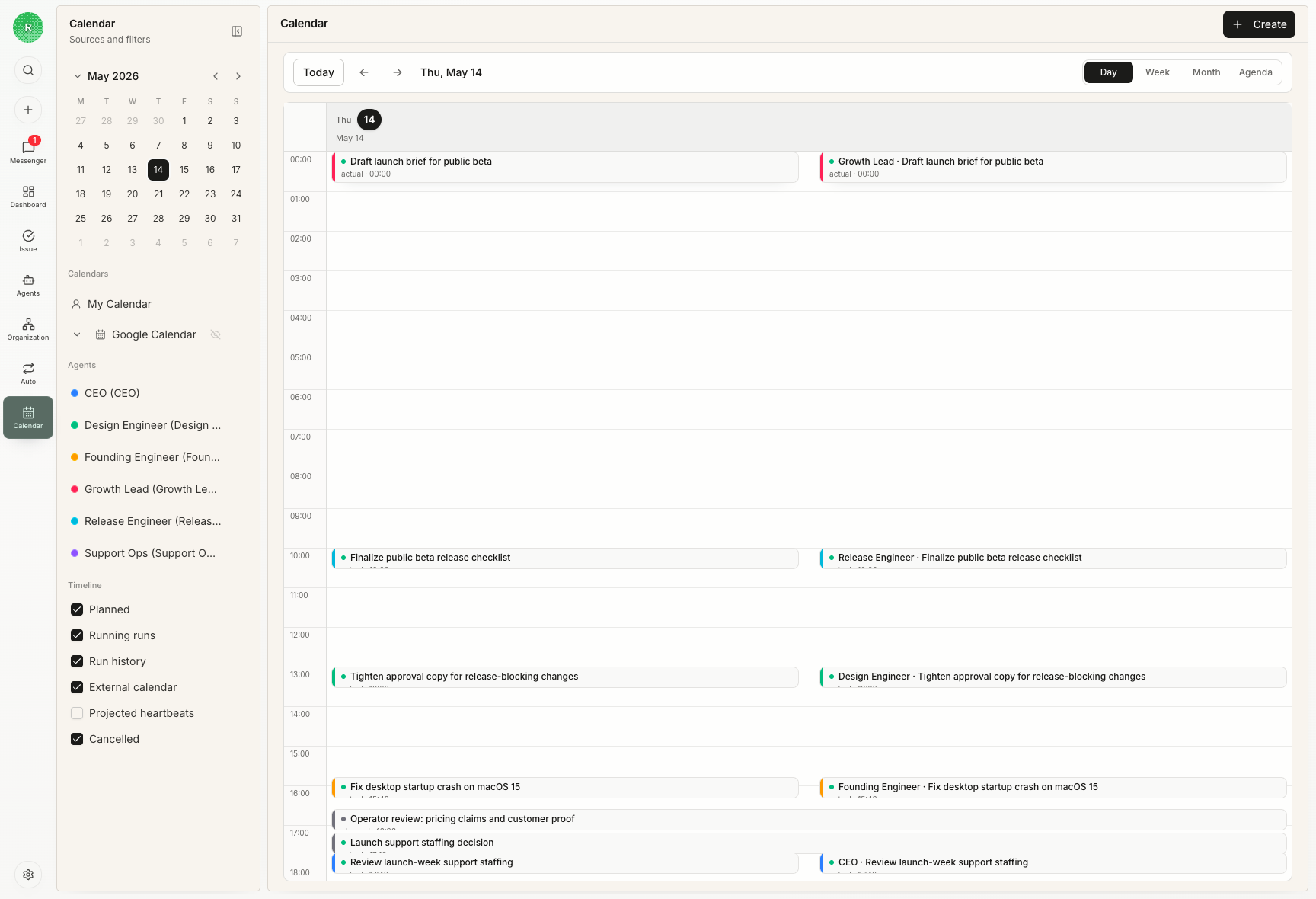
Why Calendar matters
An agent team can look active while still being hard to inspect. Calendar helps answer time-based operating questions:- Which agents were active today?
- Which issues received work?
- Did review happen soon after execution?
- Are multiple agents blocked at the same time?
- Is agent runtime clustered around launch, release, or support work?
- Where did human checkpoints interrupt or unblock the workflow?
What appears on Calendar
Calendar can show several kinds of blocks:| Block | Meaning |
|---|---|
| Agent run history | Actual heartbeat runs tied to agents, issues, and projects |
| Human checkpoints | Operator review, planning, or decision blocks |
| Imported calendar events | External calendar context when connected |
| Project and issue context | Links back to the durable work record |
How to read it
Use Calendar after a few issues have run. Look for:- dense clusters around one project
- review blocks after implementation blocks
- long gaps between agent output and human decision
- repeated blocked runs that need better setup
- agents running without a clear linked issue
Calendar is not assignment
Creating a Calendar block does not assign an issue, change priority, or run a heartbeat. Assignment and status still live on the issue. Calendar explains time; the issue controls work.Next steps
Issue Lifecycle Guide
Learn how issue status and review choices affect the work history.
Agents
Understand the heartbeat runs Calendar can reflect.