
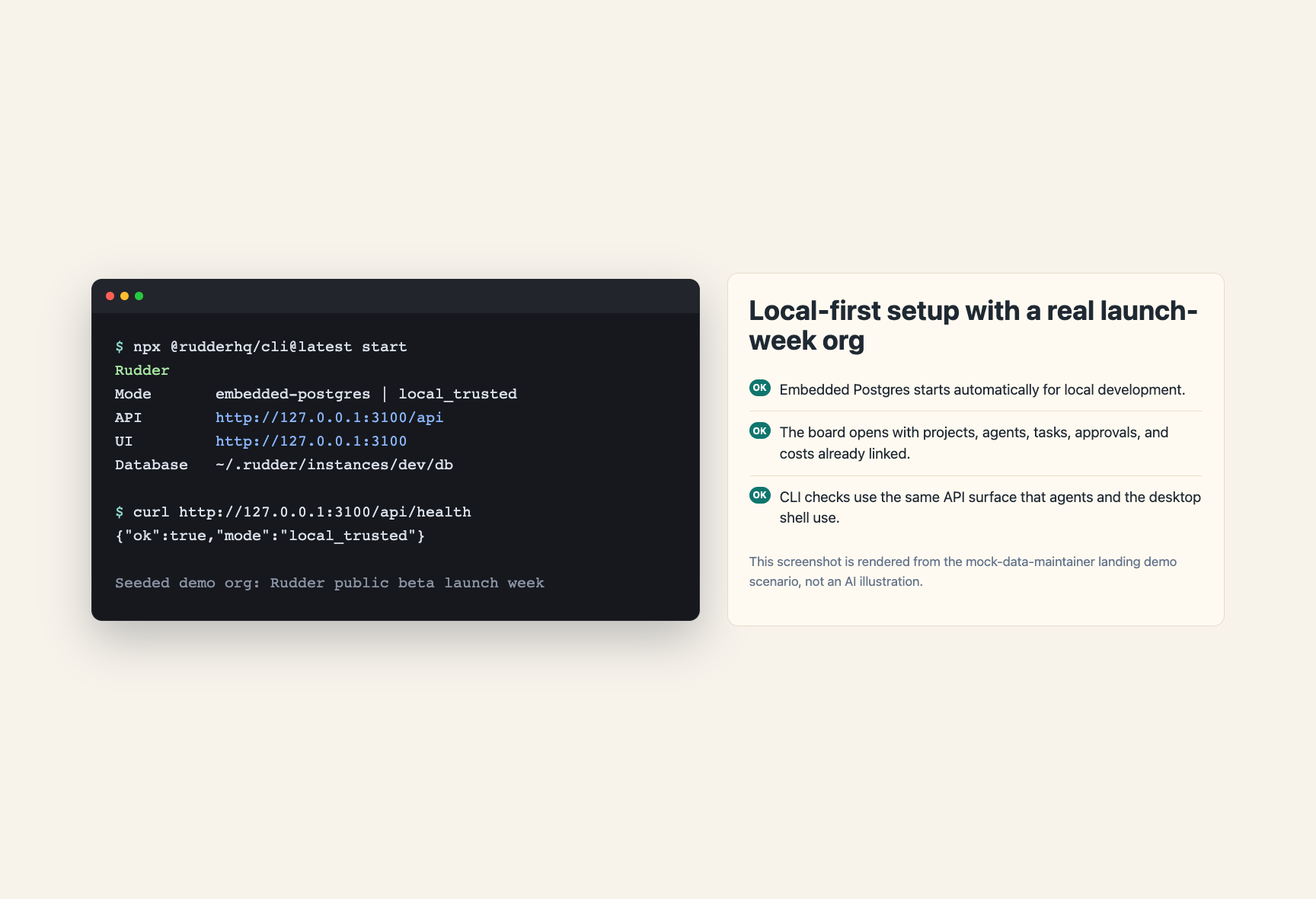
If you want to use Rudder
Run the public install command:rudder form uses the same command surface.
Contributor setup
Use the repository workflow when you are developing Rudder itself.http://localhost:3100.
Rudder defaults to embedded PostgreSQL in development. If DATABASE_URL is unset, no separate database is required.
Use this path only when you are changing Rudder source code. It starts the local
development server and does not install the public portable Desktop app.
Next steps
Create Your First Organization
Set up a goal, agents, issues, and review evidence.